
LifeVis
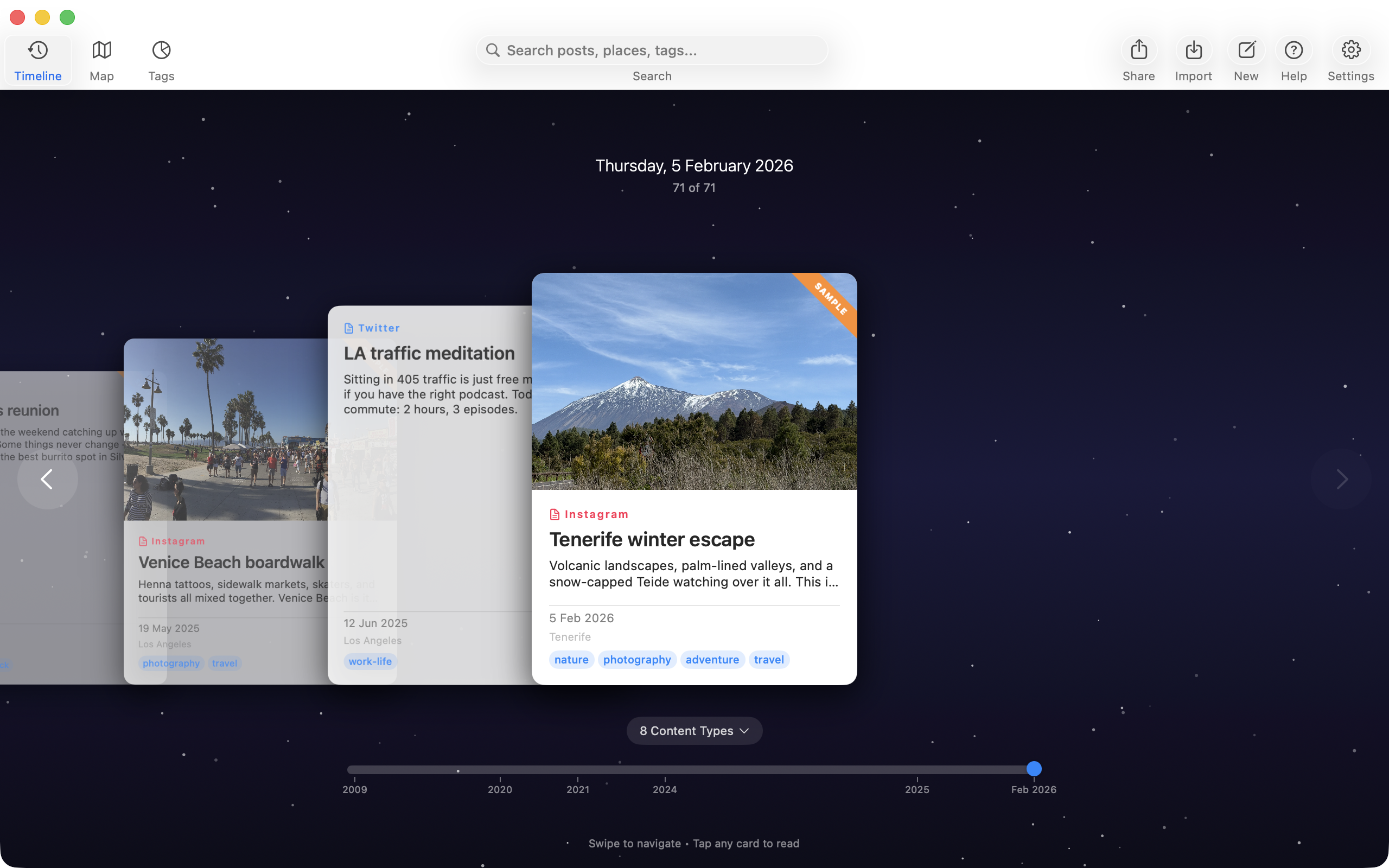
Timeline view
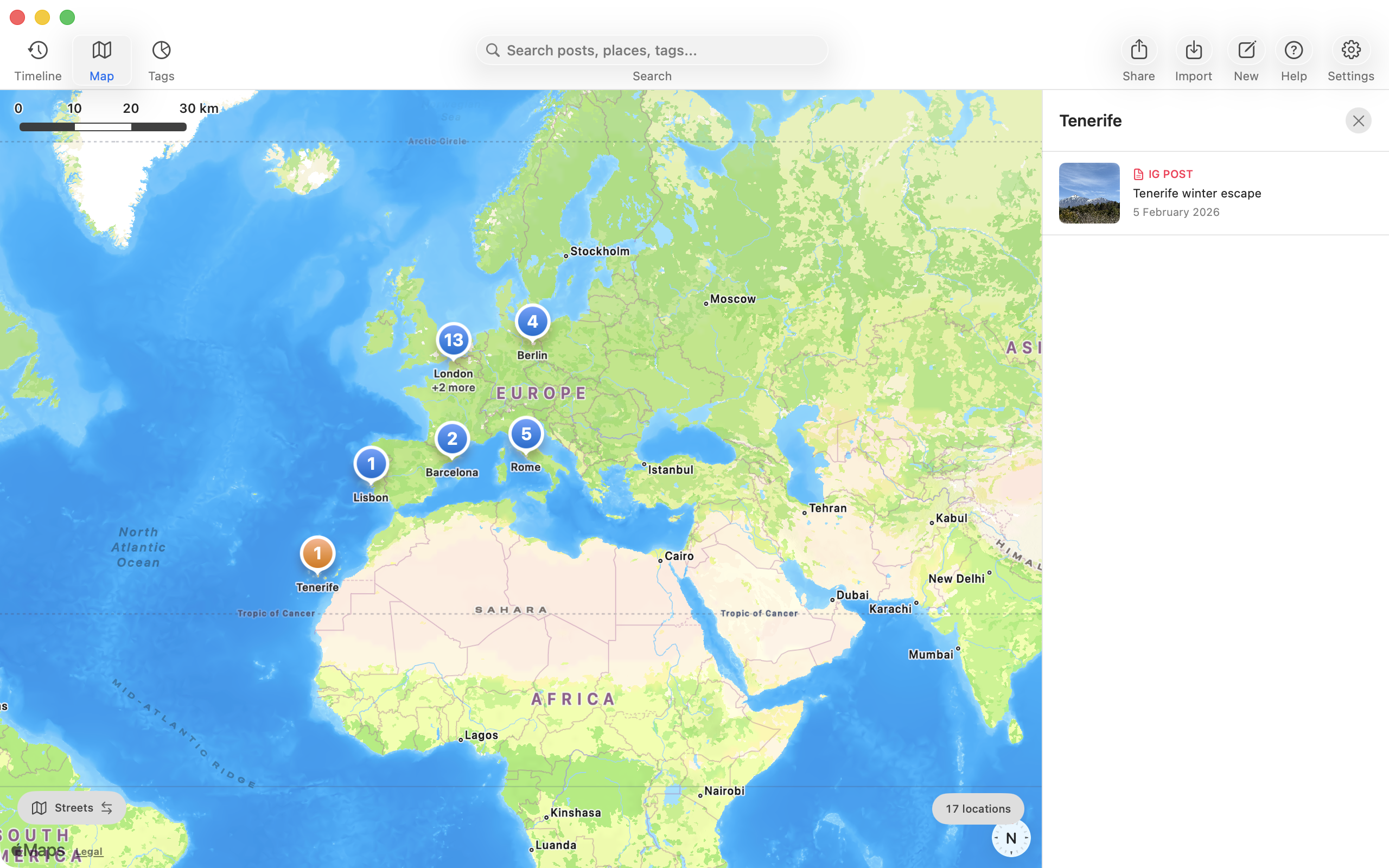
Map view
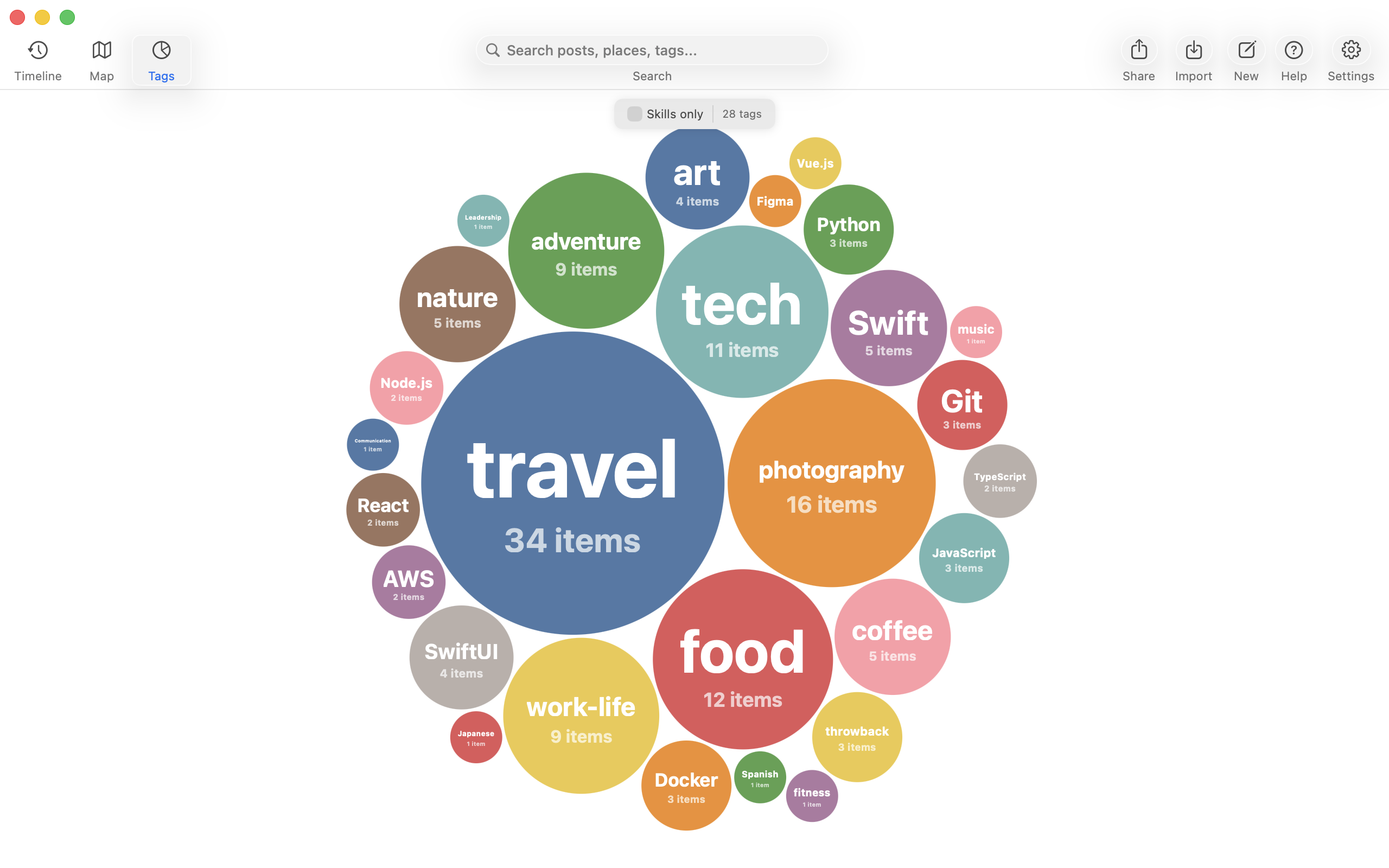
Skills & tags visualization
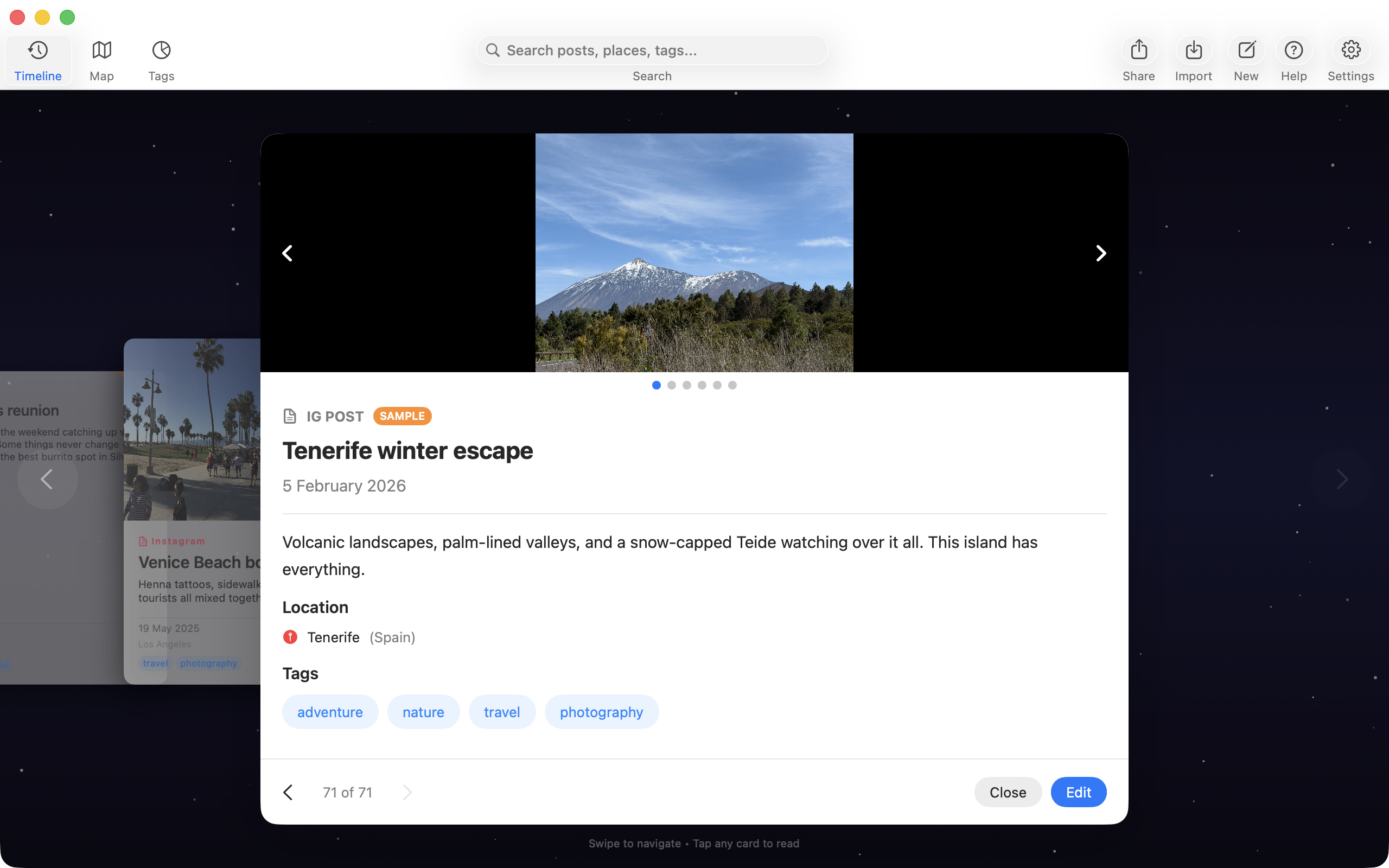
Post detail
Client
Self
Tools
Swift 6, SwiftUI, SwiftData, MapKit, Kotlin, Jetpack Compose
Platforms
iOS, macOS, Android
URLs
Project Description
LifeVis started with a simple idea: I was using one of those travel map apps where you mark countries you've visited, and I've always loved that kind of visualisation because I've travelled a lot and like seeing where I've been at a glance. But these apps are pretty limited, just dots on a map. I started wondering what it would be like to connect those dots to real experiences: what was I posting on social media at the time? What photos did I take? What was I doing?
Since I'm a developer, I decided to build it. The first step was collecting the data, which was scattered across the internet: a blog I maintained from 2006 to 2015 (long since taken offline), Facebook, Instagram, and other platforms. Thanks to EU data privacy laws, I was able to request and download my data from these services and import it into my map, linking items to the photos and posts from those places.
As I explored the map, I wanted other ways to look at my history, so I built a timeline you can zip through to any date, and a tag view to group things by subject. I showed it to a few people who asked if I could make something like it for them, and suggested I turn it into an app. So that's what I did — over the following months I refined it into a full app with support for importing from Instagram, Facebook, LinkedIn, WordPress, Twitter/X, Google Maps, TripIt, Airbnb, Booking.com, and more. Specialized parsers handle the format quirks of each platform.
The app offers multiple interactive views: a chronological timeline, an interactive map, a calendar view, and a circle-packing visualization of skills and interests. Additional views are available as purchasable add-ons (e.g. a stats dashboard and CV/resume generator). These are sandboxed WebView plugins that integrate with the native app through a bridge API, making the visualization layer extensible without shipping app updates.
Everything is stored locally on the device. No accounts, no cloud sync, no tracking. The app works fully offline after import. Sharing is opt-in: users can generate password-protected links to show their life story to friends, colleagues, or employers, powered by a relay server that handles NAT traversal without storing any data.
Key technical challenges
- Platform-specific parsers: each platform exports data differently (Instagram carousel posts, Facebook EXIF timestamps, LinkedIn proficiency levels, WordPress featured images), requiring specialized handling and smart duplicate detection via fingerprinting
- Streaming import with crash recovery: large archives are processed incrementally with checkpoint/resume, so an interrupted import picks up where it left off
- Automatic geocoding: GPS coordinates are extracted from photo EXIF data, location hashtags are matched to cities, and background geocoding infers readable place names
- AI-powered document classification: Apple Intelligence classifies imported documents (resumes, itineraries, credit reports) with keyword-based fallback on devices without AI support